Home Networks
VLANs, pfSense, UniFi, and serious home infrastructure
31 articles · 10 tutorials · 1 courses · Updated
Overview
Most home networks are a single flat network with a consumer router doing everything — routing, firewall, wireless, and DHCP — with default settings. That is a significant attack surface and a performance ceiling. This handbook is about engineering your home network like an infrastructure professional would.
Learning Roadmap
Beginner
Understand what your network actually looks like and make your first meaningful improvements.
How Your Network Actually Works
Subnets, DHCP leases, NAT, and DNS. Understand these before touching any hardware.
~1 week
First Upgrade: Separate Router and AP
Replace the all-in-one ISP router. Use a dedicated router (even a cheap one) and a separate access point. Immediate improvement in reliability and control.
~2 weeks
Intermediate
Network segmentation and proper firewall configuration.
VLANs — Network Segmentation
Isolate your IoT devices, guest network, and personal devices into separate VLANs with firewall rules between them.
~2 weeks
pfSense or OPNsense
Replace your consumer router with a proper open-source firewall. Hardware options, installation, and baseline configuration.
~4 weeks
Advanced
Full observability, BGP for the ambitious, and enterprise-grade reliability.
Network Monitoring Stack
Grafana + Prometheus + Telegraf for dashboarding everything on your network: bandwidth, latency, device availability, and firewall events.
~4 weeks
Multi-WAN and Redundancy
Failover and load-balancing across multiple internet connections. Useful for home offices and homelabs where uptime matters.
~4 weeks
Featured Guides
Hardware
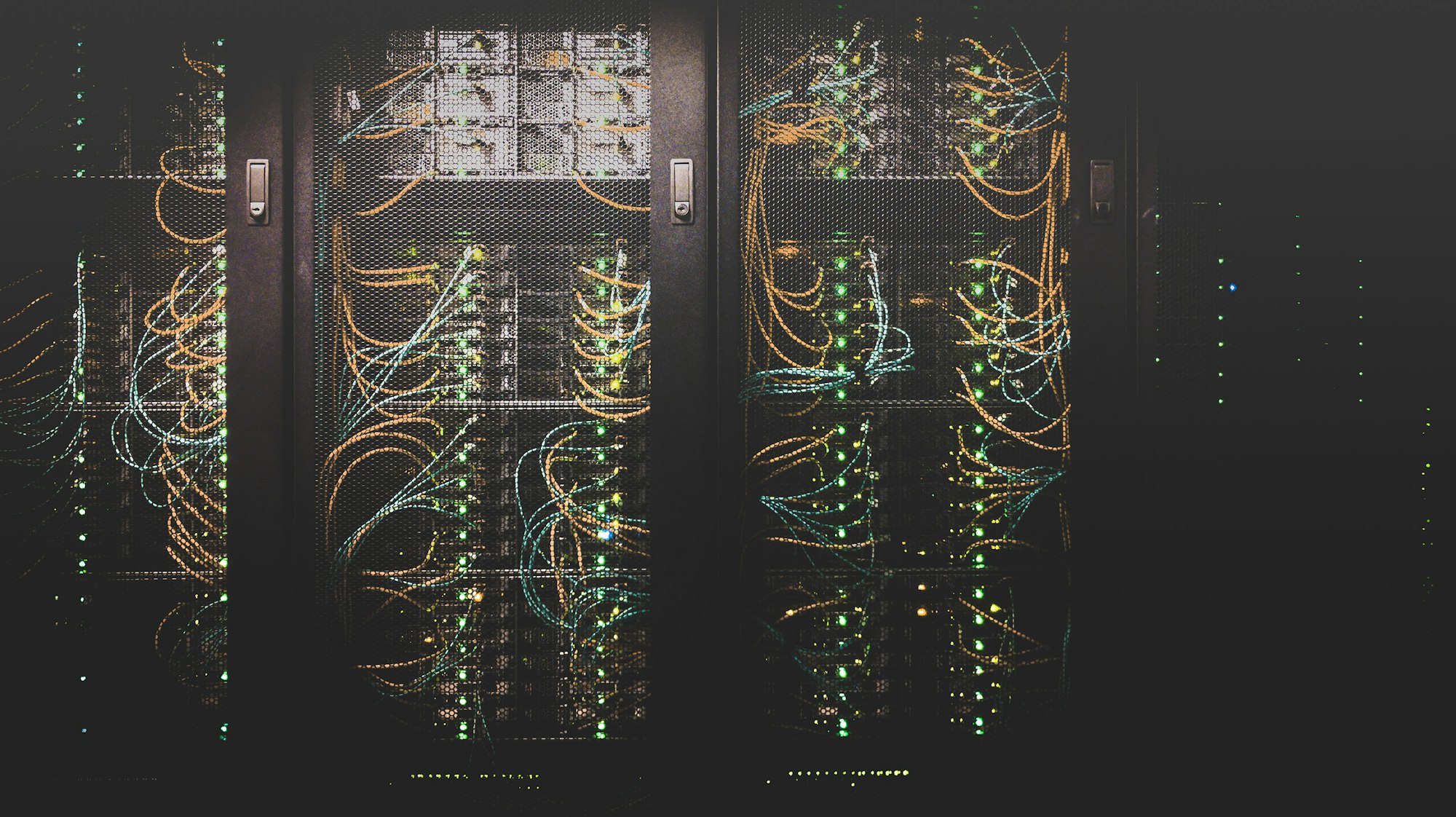
How to Set Up a Homelab in 2025
Forget loud server racks. The modern homelab is silent, ARM-based, and runs entirely on containers.
Frequently Asked Questions
Do I need a managed switch for VLANs?
Yes. Consumer unmanaged switches pass all traffic on a single broadcast domain. A managed switch (TP-Link TL-SG108E is an affordable entry point) allows you to tag VLANs on ports and truck VLAN-tagged traffic between your router and access points. Without a managed switch, VLAN segmentation only works at the router level.
Is UniFi worth it for home use?
If you want enterprise-grade Wi-Fi visibility and control, yes. UniFi access points have excellent range and the controller software provides per-client statistics, band steering, and seamless roaming that consumer routers cannot match. The U6 Lite (~$100) is the sweet spot. The overhead of running a controller (self-hosted or their cloud) is real but manageable.
What hardware should I run pfSense on?
For most home use, a Protectli Vault (fanless, x86, 4+ ports) or a used Dell OptiPlex with a multi-port NIC is ideal. Avoid ARM-based hardware — pfSense has better x86 support. For gigabit+ WAN speeds, ensure your chosen hardware has AES-NI support for VPN performance. The Protectli FW4B hits the sweet spot of price, power draw, and capability.