Hardware
How to Set Up a Homelab in 2025
The modern homelab is silent, ARM-based, and runs entirely on containers. Here's how to build yours.
By Sarah Jenkins · · 12 min read
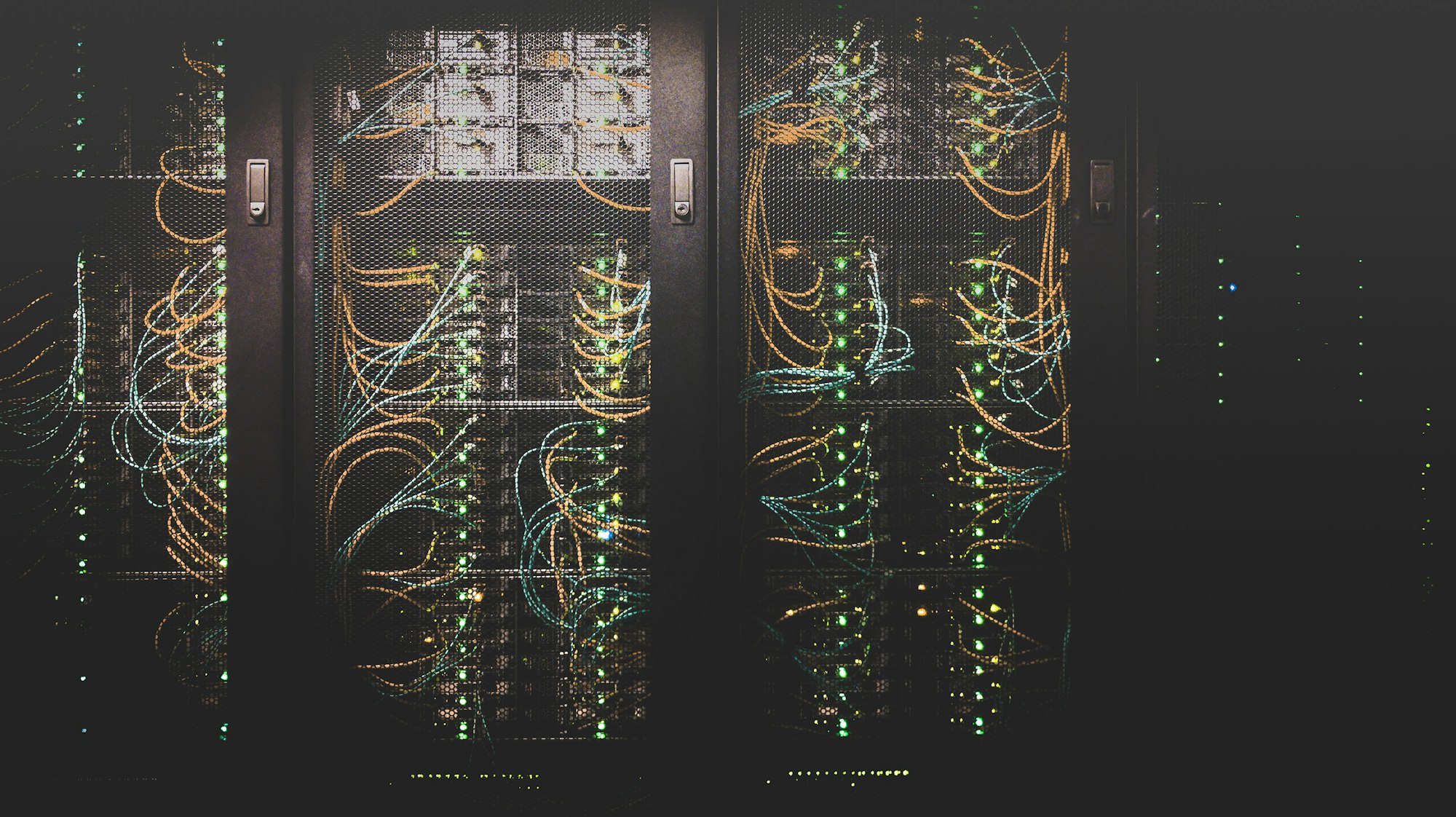
The era of the loud, power-hungry homelab is over. You no longer need surplus enterprise servers humming in a closet. Today, a complete home infrastructure — hypervisor, containers, reverse proxy, monitoring — can run on hardware that draws less power than a desk lamp. This guide covers the hardware choices, software stack, and first-day configuration.
Hardware Options
The right hardware depends on your budget and goals. Here are the three tiers worth considering:
| Option | Cost | Power Draw | Best For |
|---|---|---|---|
| Raspberry Pi 5 (4-unit cluster) | ~$300 | 15–25W total | Learning, basic services |
| Mac Mini M4 (16 GB) | ~$600 | 18–25W | macOS-native services, ARM containers |
| Beelink SER8 mini PC (AMD) | ~$400 | 35–65W | Proxmox, x86 VMs, heavier workloads |
| Used Dell OptiPlex (i5) | ~$150 | 45–85W | Budget Proxmox node, familiar x86 |
The Software Stack
The modern homelab stack has converged around a small set of excellent tools:
- Proxmox VE — bare-metal hypervisor for running VMs and LXC containers
- Docker + Portainer — container management with a clean web UI
- Tailscale — zero-config WireGuard VPN for secure remote access
- Caddy — automatic HTTPS reverse proxy with a human-readable config
- Grafana + Prometheus — monitoring stack for all your services and hardware metrics
Getting Started
Install Docker on Debian/Ubuntu
# Remove old versions
sudo apt remove docker docker-engine docker.io containerd runc

# Install via official script
curl -fsSL https://get.docker.com | sh

# Add your user to the docker group
sudo usermod -aG docker $USER

# Verify installation
docker run hello-world