Hardware & Silicon
CPUs, GPUs, custom builds, and mechanical keyboards
29 articles · 8 tutorials · 0 courses · Updated
Overview
Understanding the hardware beneath your software unlocks a different quality of reasoning about performance, power, and system design. This handbook covers modern CPU and GPU architecture, building custom PCs and homelabs, and the increasingly interesting world of ARM and RISC-V silicon.
Learning Roadmap
Beginner
Understand what is inside your machine and make your first hardware upgrade decisions intelligently.
How CPUs Work
Cores, threads, cache hierarchy, clock speed vs. IPC — the concepts that actually explain benchmark results.
~1 week
Storage Hierarchy
NVMe vs. SATA SSDs, HDDs for cold storage, and understanding why IOPS matter more than sequential speed for most workloads.
~2 weeks
Intermediate
Build your own systems and understand GPU architecture for compute work.
Custom PC Build
Choose components that work together, understand compatibility, and build a silent and efficient machine for development or AI work.
~3 weeks
Apple Silicon Deep Dive
Understand the unified memory architecture, Neural Engine, and why M-series performance per watt is historically significant.
~3 weeks
Advanced
FPGA fundamentals, RISC-V, and building embedded systems.
FPGA Fundamentals
Field-Programmable Gate Arrays — hardware you can reprogram. Understand HDL, Verilog basics, and why FPGAs are used for specific workloads.
~5 weeks
RISC-V and Open Silicon
The open ISA disrupting the chip industry. Build and run RISC-V programs, understand the extension model, and follow the open hardware movement.
~5 weeks
Featured Guides
Hardware
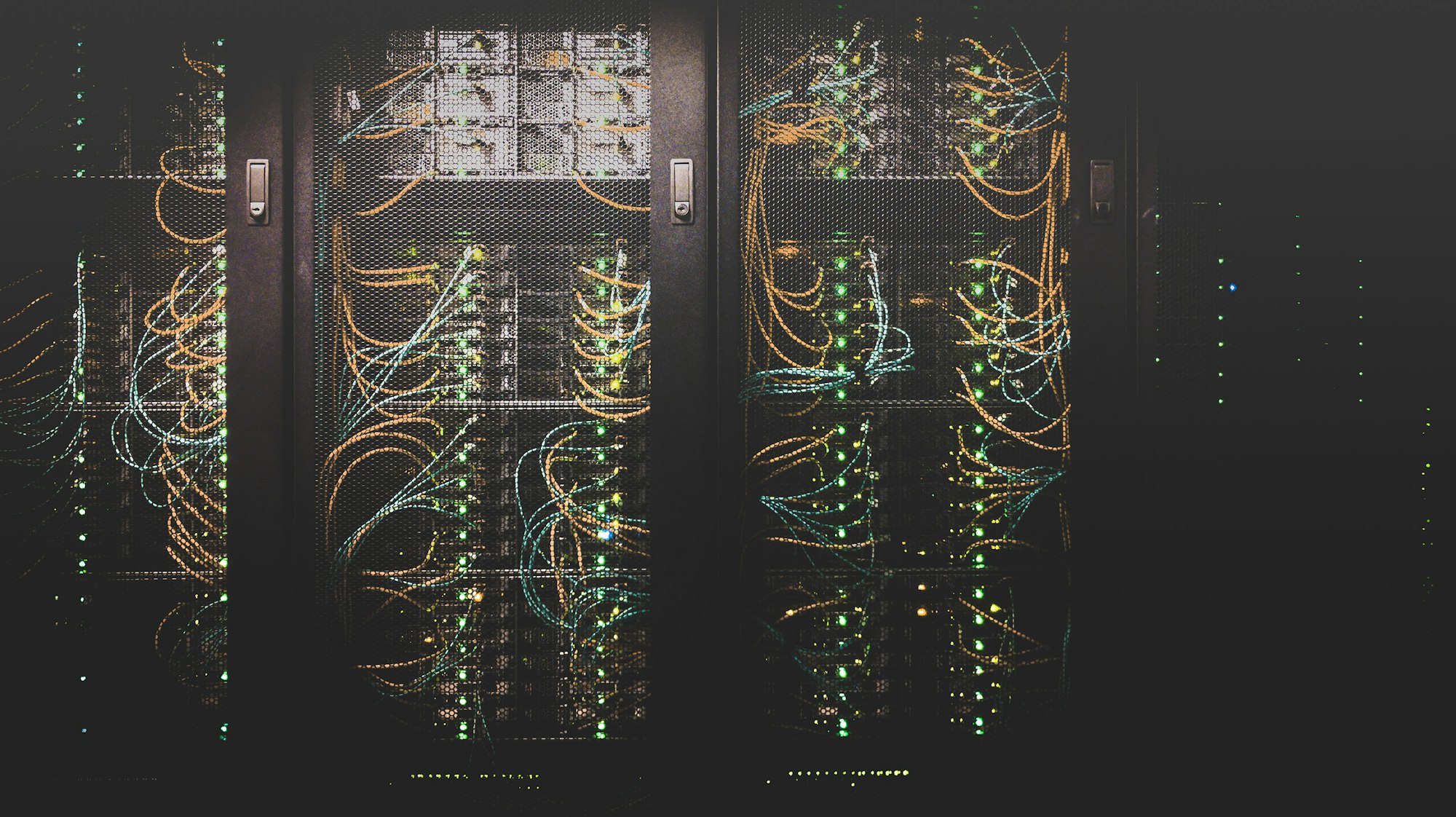
How to Set Up a Homelab in 2025
Forget loud server racks. The modern homelab is silent, ARM-based, and runs entirely on containers.
Frequently Asked Questions
AMD or Intel for development in 2025?
AMD Ryzen (especially the 9000 series) wins on core count and price-performance for most development workloads. Intel wins on single-threaded performance and has better iGPU options. For AI/ML work that needs CUDA, an NVIDIA GPU matters far more than the CPU brand. Apple Silicon is the answer if you can stay in the macOS ecosystem — the performance per watt is still unmatched.
Is a GPU required for AI work at home?
Not for inference with quantized models. A modern Apple Silicon Mac (M2 or later with 32GB+ unified memory) runs 7B-13B models at practical speeds using the GPU on-chip. A dedicated NVIDIA GPU (RTX 4070 or better with 12GB+ VRAM) becomes important for fine-tuning, training small models, and running larger quantized models faster. AMD ROCm support has improved but remains a second-class experience compared to CUDA.